
Activation Guide
Get connected in 3 simple steps. No technical knowledge required.
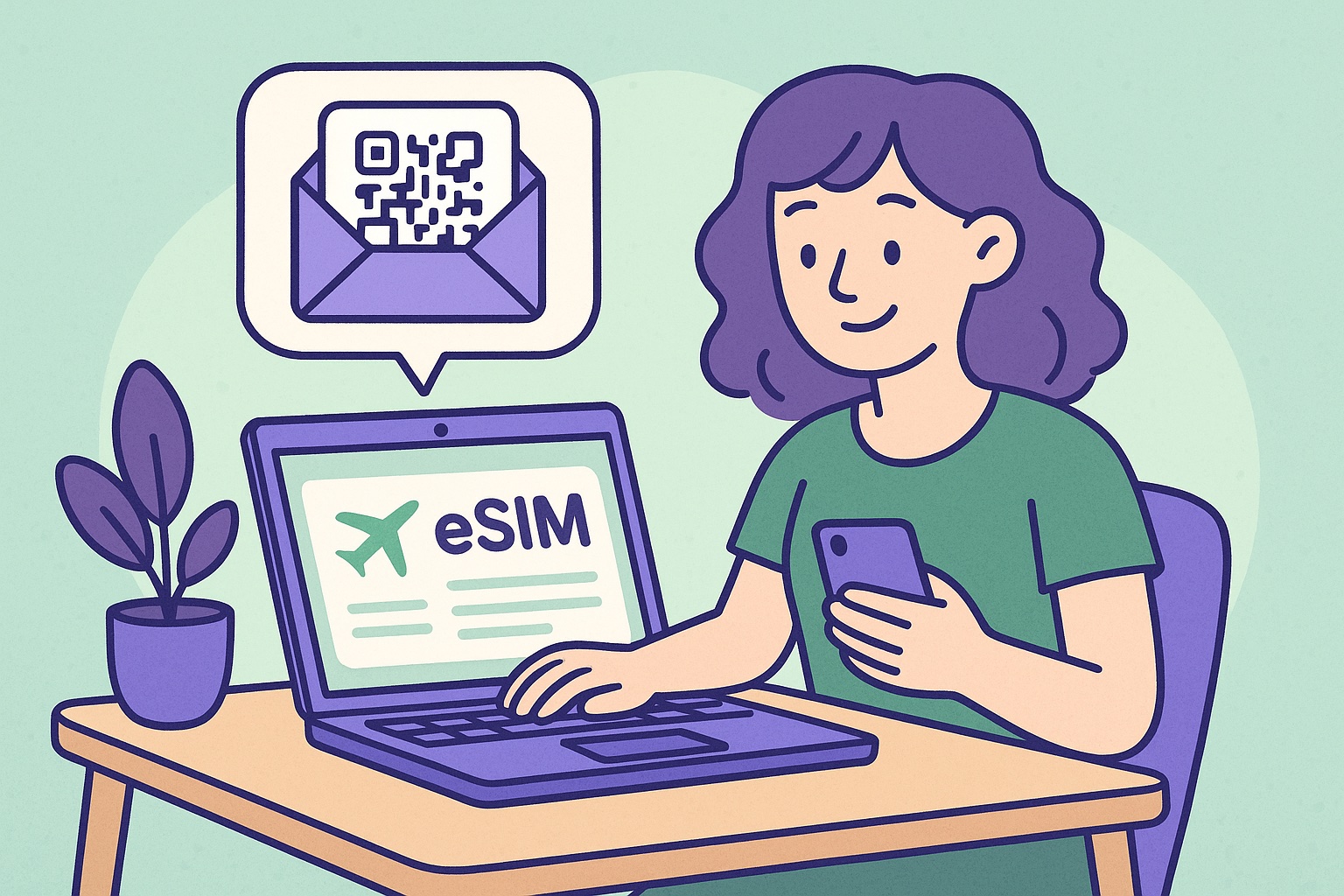
Purchase your eSIM plan for your destination. Receive your unique QR code instantly via email.
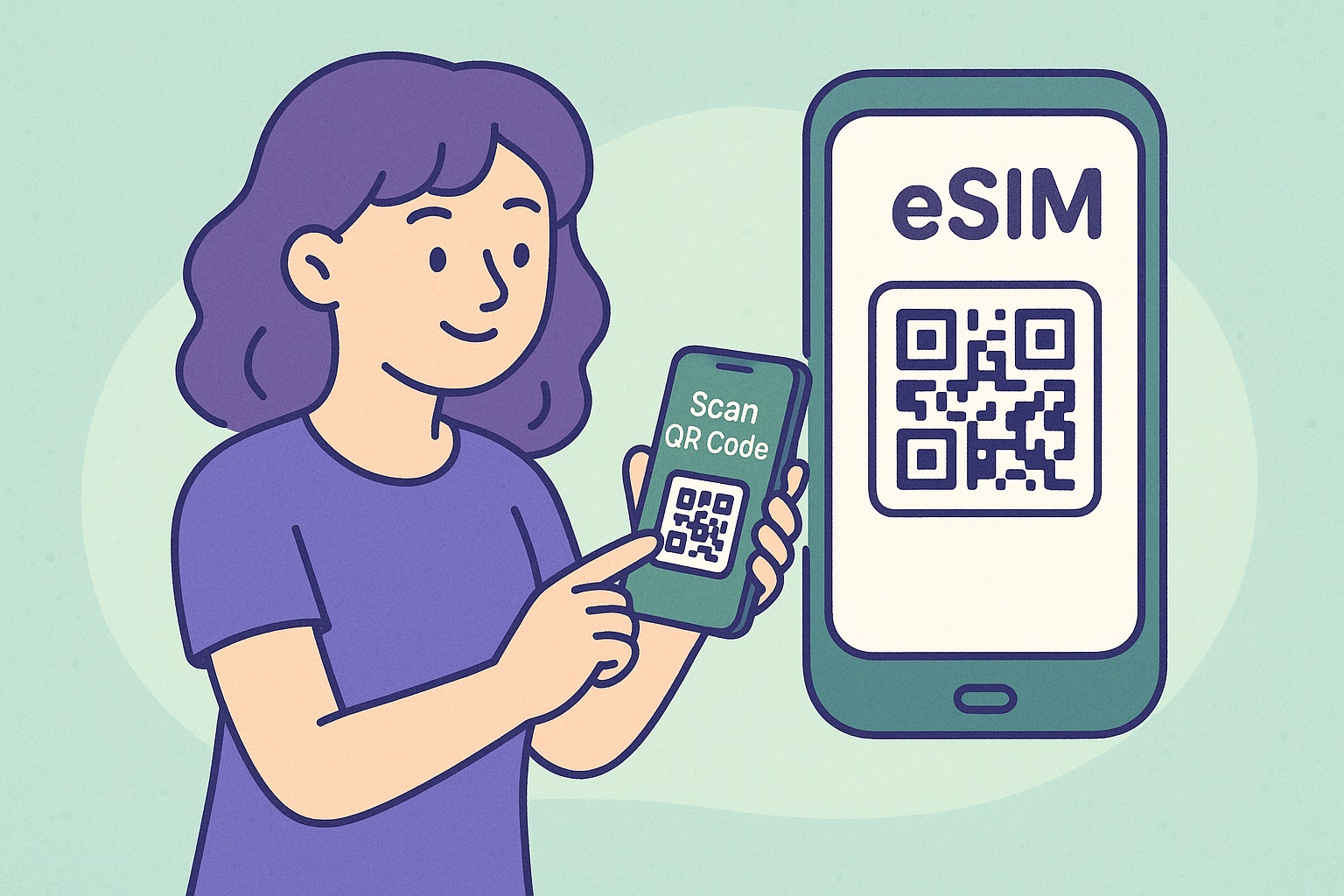
Install the eSIM profile on your phone by scanning the QR code. Do this at home before you travel.
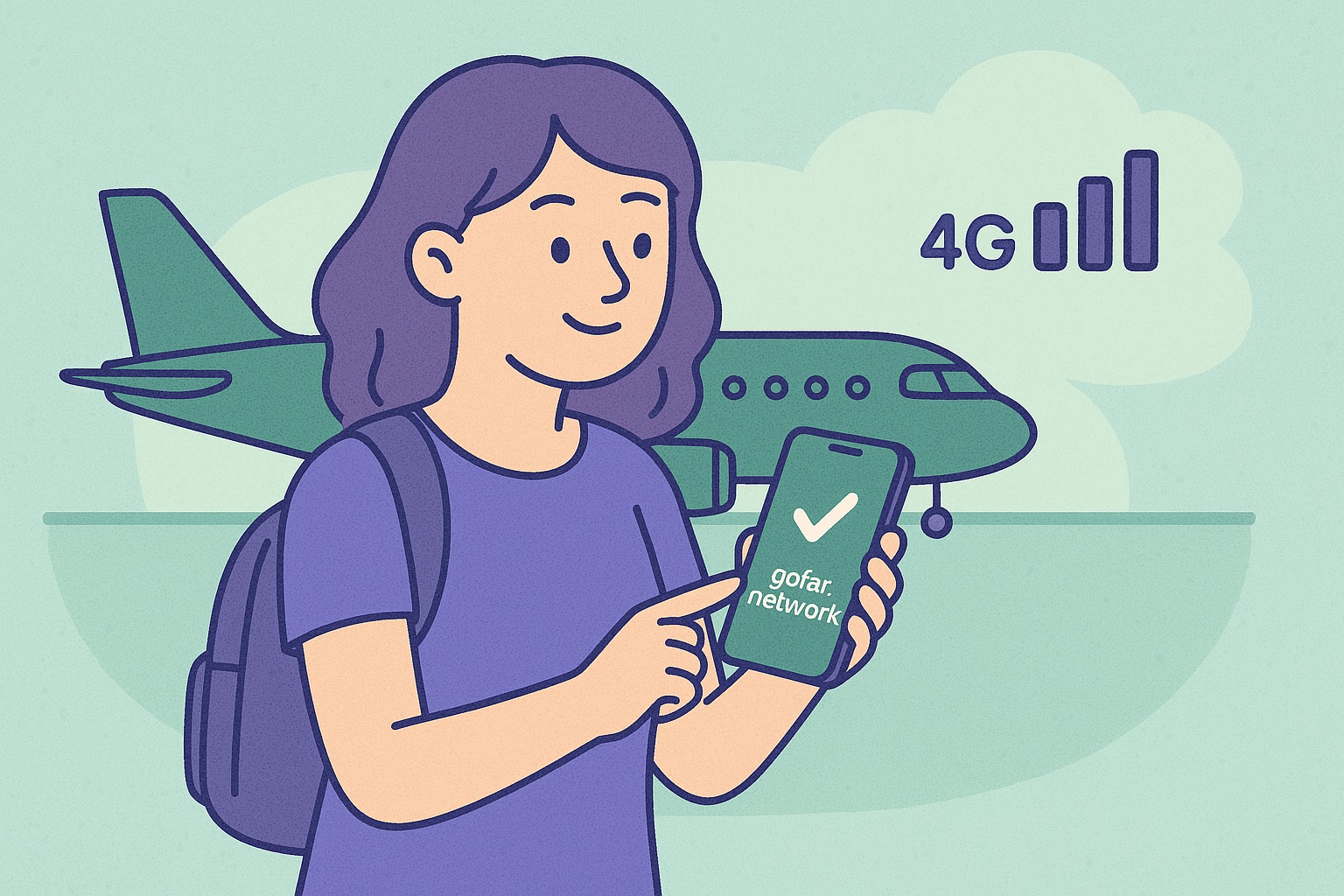
When you land, turn on your gofar.network data line. Keep your home SIM active for calls and banking.
Pro Tips for Travelers
Make the most of your eSIM experience with these essential tips from seasoned travelers
Install Before You Fly
Set up your eSIM at home with WiFi. The plan won't activate until you reach your destination, so there's no rush.
Keep Your Home SIM Active
Use Dual SIM mode to receive calls and texts on your home number while using gofar.network for data.
Enable Data Roaming
Make sure data roaming is turned on for your gofar.network line in your phone's cellular settings.
Save Your QR Code
Keep a screenshot of your QR code in your photos. You'll need it if you ever reinstall the profile.
Still have questions?
Check out our comprehensive FAQ for more details